How to upgrade from 15 to 16
GitLab 15: 15.0.5 > 15.1.0 > 15.2.0 > 15.2.5 > 15.4.6 > 15.11.13 > 16.0.0
Upgrade GitLab to 15.1.0
You have to restart services
Upgrade GitLab to 15.2.0
Upgrade GitLab to 15.2.5
Upgrade GitLab to 15.4.6
Upgrade GitLab to 15.11.13
Upgrade GitLab to 16.0.0
After upgrade to 16.0.0 I had this issue
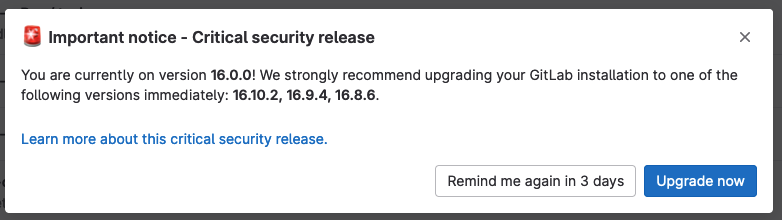
In order to remove this error, let's upgrade to 16.0.8